

How to Manage Multiple Funded Futures Accounts at the Same Time
Running two or more funded futures accounts across different prop firms? Here's how traders handle cross-broker copying, real-time P&L monitoring, and flattening across all accounts without juggling platforms.
Running multiple funded futures accounts has become a common strategy among prop firm traders. Pass an evaluation, get funded, then repeat — at Apex, Tradeify, TopstepX, or any combination. After a few months you might be managing three or four funded accounts simultaneously, each with its own login, dashboard, and broker platform.
That's where the operational overhead gets real.
Why multiple accounts means multiple problems
Most prop firms run on Tradovate, Rithmic, or NinjaTrader (which runs on Tradovate's infrastructure) — plus ProjectX, though that's narrowed to TopstepX only since a Feb 2026 licensing change ended third-party access for everyone else. Running accounts at two or more firms often means running two or more broker platforms at the same time.
The manual approach looks like this: place a trade on your master account, then replicate it on every other account by hand. Three accounts means three platforms, three sets of order entries, three fills to verify. Miss one during a fast move and you're now mismatched across accounts.
The other problem is monitoring. Each platform shows you its own P&L. None of them aggregate across accounts or brokers. You're tab-switching to get a full picture.
What managing multiple accounts well actually requires
There are four things a multi-account setup has to get right:
Copying trades accurately. Each slave account should receive the same fill as your master, correctly sized. Different account sizes mean you'll often need different quantities — a small evaluation account might need a 0.5x copy of a larger master, while a funded account might need 2x.
Real-time P&L visibility. Seeing realized performance across all accounts, across brokers, in one place. When you have three funded accounts on two broker platforms, the summary view is where you actually make sense of the day.
Flattening quickly. If you need to close everything — a news event, a market spike, an unexpected drawdown — you need to close positions and cancel pending orders across all accounts without clicking through three platforms.
Reviewing performance over time. A journal that captures fills from every account so you can analyze what's working and improve, rather than relying on each platform's own reporting.
How a cloud-based trade copier handles this
A trade copier is software that mirrors fills from one account (the master) to one or more follower accounts (the slaves). Cloud-based copiers like SyncFutures run on servers, not your machine, which means they're always on — you don't need a VPS or a second desktop running in the background.
The key feature for multi-firm traders is cross-broker copying: the ability to copy from a master on one broker to a slave on a different broker. If your Apex account is on Tradovate and your Tradeify account is on Rithmic, a cross-broker copier handles both from a single setup.
Connecting your accounts
In SyncFutures, you add broker connections from the Accounts page (on web or mobile). Each supported broker connects differently:
- Tradovate — OAuth2 authorization. No username or password entry; you authorize via Tradovate's login and pick Live or Demo environment.
- NinjaTrader — Uses the same Tradovate OAuth2 flow (NinjaTrader accounts run on Tradovate infrastructure). Same authorization process, same environment selector.
- Rithmic — Username, password, and system name. You pick your system from a dropdown of available Rithmic systems (e.g. "Rithmic 01," "Rithmic Paper Trading," or a firm-specific one like "TopstepTrader") — you don't need to look it up or type it in.
- ProjectX — Username and API key, plus a prop firm selection. As of February 2026, ProjectX ended third-party licensing for every firm except TopstepX, so it's effectively a single-firm backend now.
Once connected, your accounts appear in the dashboard. You designate one as the master and configure copy rules for each slave.
Setting up copy rules
Each slave account gets its own copy rule configuration. The main settings:
Quantity multiplier — Scale the copied size from 0.1x to 100x relative to the master fill. If your master is a 5-lot account and your slave is a 2-lot evaluation, set 0.4x. If you're scaling up a larger funded account, set 2x or higher.
Symbol filtering — Every copy rule requires a specific contract symbol; there's no "copy everything" mode, so this isn't optional configuration. Important note: rules are pinned to a specific contract symbol, not to an instrument in general. At quarterly rollover (March, June, September, December), the front-month changes — a rule pinned to ESU6 goes silent when the contract rolls to ESZ6. Update your rule's contract before rollover to avoid missed fills.
Monitoring all accounts in one place
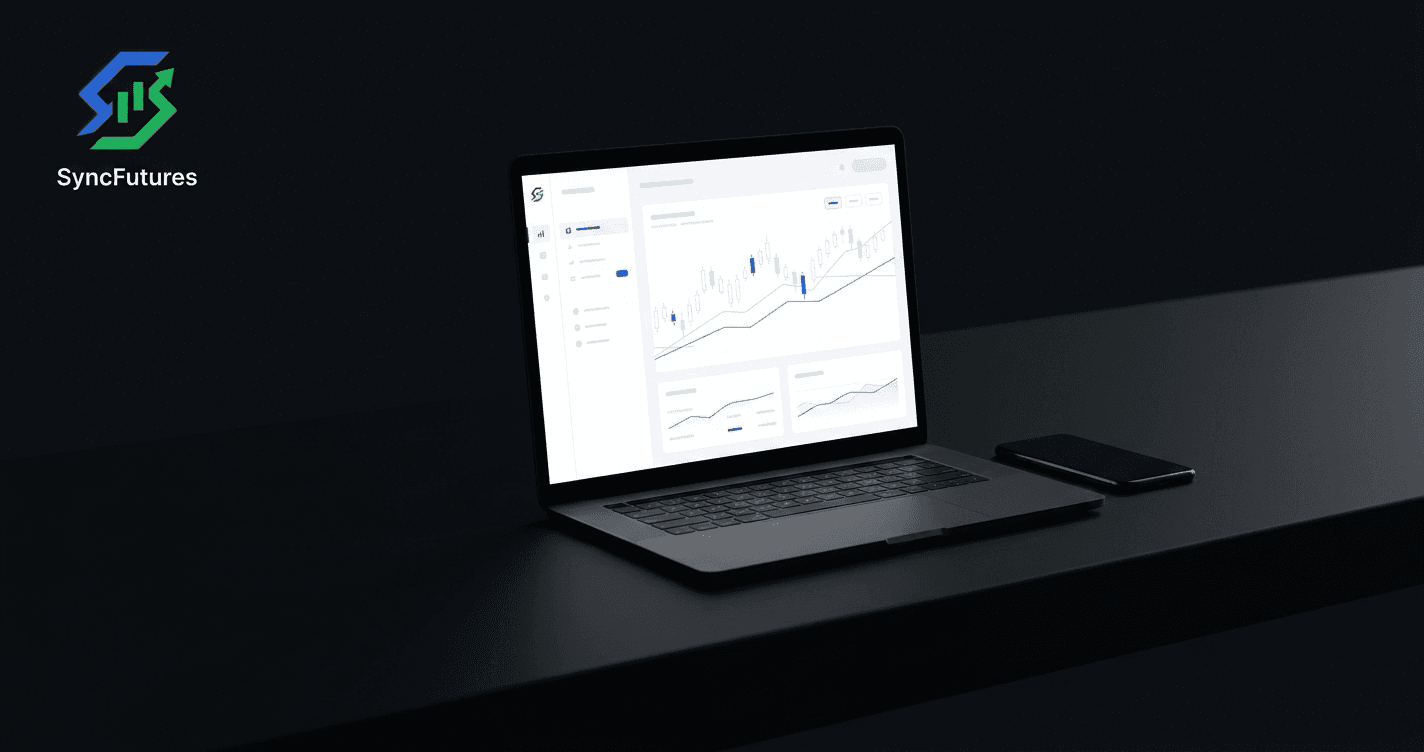
Once your copy rules are running, SyncFutures shows real-time realized P&L across all connected accounts. This is the aggregated view you can't get from individual broker dashboards. Realized P&L updates as fills come in — from Tradovate accounts, from Rithmic, from whatever combination you're running.
Note: SyncFutures doesn't show open (unrealized) P&L on active positions. This is a deliberate choice: Tradovate doesn't currently push live unrealized P&L to us, and rather than show it on some brokers but not others, we keep it consistent across every connection — realized P&L only, updated on close.
Flattening across all accounts
The one-click flatten button closes all open positions across every connected account and cancels any pending orders at the same time. One button, everything gone. This matters most in fast-moving markets — if you need to go flat, you don't want to be working through three broker platforms.
Copy failure notifications
If a copy attempt fails at the broker — the order was submitted but rejected or couldn't be placed — SyncFutures sends a push notification so you know immediately. Successful copies don't generate a notification; the platform notifies on failures, which are the ones you actually need to catch.
One important distinction: this only covers broker-side failures. A rule that's skipped because the incoming fill doesn't match its symbol filter — like the rollover scenario above — isn't a failure in the system's eyes, so it doesn't trigger a notification. Nothing copies, and nothing tells you. That silence is exactly why keeping your rules' contract symbols current matters.
Copy trading policies: what to check
Most prop firms permit trading software that copies between your own accounts. What's typically prohibited is copying from another trader's signals or a third-party signal service — not managing your own accounts with automation.
That said, policies vary. Before setting up a copier on any funded account:
- Check your prop firm's Terms of Service — specifically the section on automation, third-party software, or copy trading.
- Own-account vs. third-party signals — most restrictions target signal copying (trading someone else's calls), not self-copying.
- Automation rules — some firms cap automated trading frequency. Blue Guardian Futures, for example, caps automated systems at under 200 trades per day per account. If you're running multiple slaves, keep this in mind since copies can add up.
SyncFutures is a trade-copying tool, not a signal service. You trade your own master account; the copier mirrors fills to your other accounts. Always verify with your specific firm before running it on a funded account.
Plans and getting started
SyncFutures pricing is connection-based — the number of broker connections you can add, not per-feature:
| Plan | Connections | Price |
|---|---|---|
| Starter | 3 | $39/mo |
| Professional | 5 | $89/mo |
| Ultimate | Unlimited (up to 200 accounts) | $129/mo |
All plans include the same features: cross-broker copying, quantity multipliers, symbol filtering, one-click flatten, real-time realized P&L monitoring, and the trading journal. AI Coach (Synca) is a separate $14/mo add-on.
There's a 7-day free trial on all plans. Visit syncfutures.com/pricing to start.
FAQ
Do I need to keep my computer running for the copier to work?
No. SyncFutures is cloud-hosted — the copy engine runs on servers and stays active 24/7 without any desktop software or VPS required.
Can I copy between different prop firms on different brokers?
Yes. That's what cross-broker copying means — a Tradovate master account copying into a Rithmic slave, or any other supported combination. The two accounts don't need to be on the same broker or at the same firm.
What happens at quarterly rollover?
Copy rules in SyncFutures are pinned to a specific contract symbol (e.g. ESU6, not just "ES"). When the front-month rolls each quarter (March, June, September, December), any rule pointing at the expiring contract stops copying fills. Update the contract in your copy rule before rollover to avoid a gap. A simple quarterly reminder goes a long way.
Does SyncFutures enforce my prop firm's drawdown limits?
No. Daily and weekly loss limits in SyncFutures are informational — they surface as a dashboard indicator when your journal shows you're approaching a threshold, but nothing is auto-closed or auto-suspended. Prop firm rule monitoring is your responsibility; SyncFutures is a data tool, not an enforcement layer. Never rely on it to protect an account limit.
Can I run SyncFutures from my phone?
Yes. The native iOS and Android apps support account management, copy rule configuration, P&L monitoring, and the one-click flatten button. Download links: iOS · Android.