

Running Tradeify and TopstepX at the Same Time: Trade Copier Setup
How to copy trades across Tradeify and TopstepX accounts simultaneously using SyncFutures — covering broker platforms, connection paths, copy rule setup, and what each firm's account environment means for your workflow.
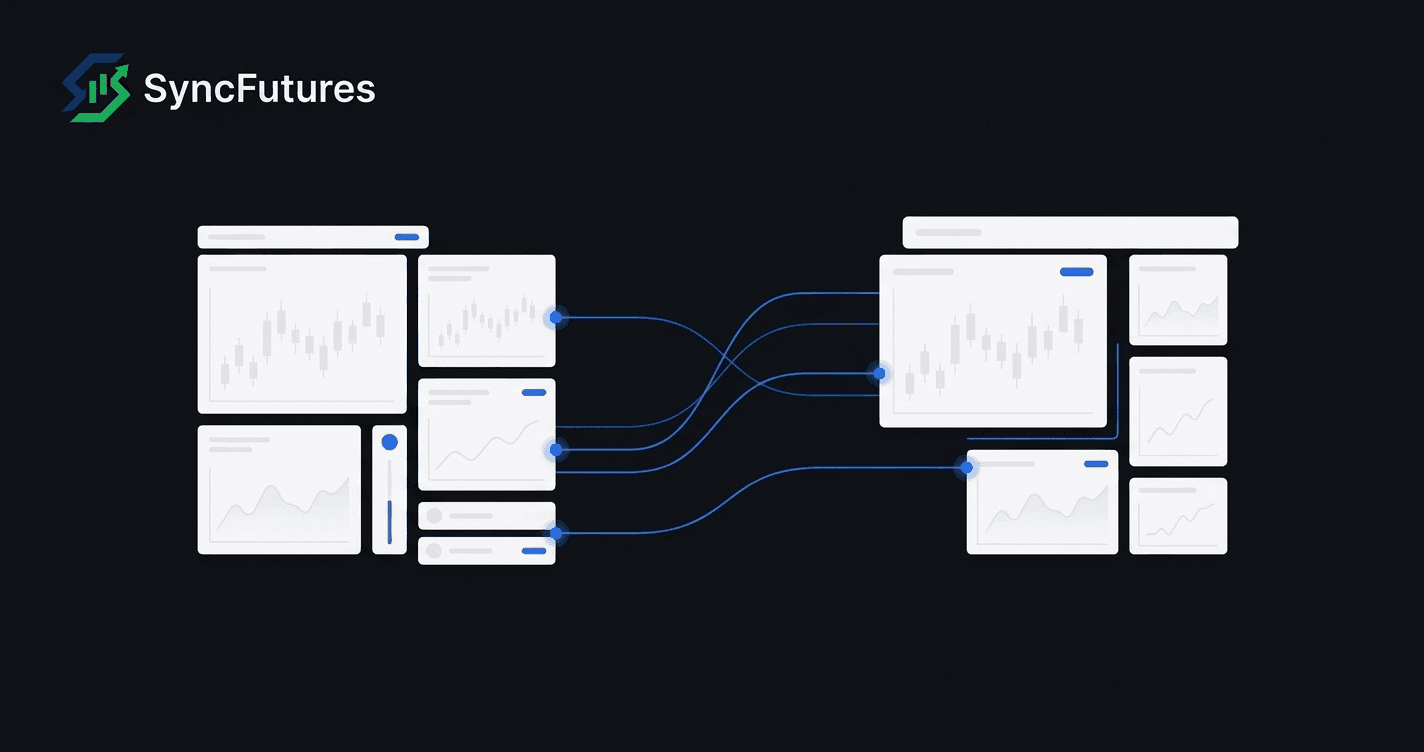
Running Tradeify and TopstepX accounts at the same time means working across two different broker platforms. Tradeify accounts connect through Tradovate or Rithmic. TopstepX accounts run exclusively on ProjectX. They don't share infrastructure, so standard single-broker copiers won't cover both — you need a trade copier that handles cross-broker connections.
SyncFutures supports all three platforms (Tradovate, Rithmic, and ProjectX) and can copy trades from a master account to slave accounts across any combination. This guide covers how to set that up for Tradeify and TopstepX specifically.
What You're Actually Connecting
Before walking through setup steps, it helps to be clear about what each account connects through:
| Firm | Broker Platform | Connection Type in SyncFutures |
|---|---|---|
| Tradeify (most accounts) | Tradovate | Tradovate OAuth2 |
| Tradeify (some accounts) | Rithmic | Rithmic credentials + system name |
| TopstepX | ProjectX only | ProjectX API key + TopstepX firm selection |
Tradeify also offers WealthCharts as a platform option. SyncFutures doesn't connect to WealthCharts, so a Tradeify account bought on that platform can't be included in a copy setup.
Whether your Tradeify account is on Tradovate or Rithmic depends on which platform you selected at the time of purchase. If you're unsure, check the login link Tradeify sent when your account was set up — it'll point to either the Tradovate or Rithmic trading platform.
TopstepX is exclusively on ProjectX as of February 2026. There's no Tradovate or Rithmic option for TopstepX accounts; every TopstepX account connects through the ProjectX API.
Tradeify Account Environments
Tradeify's evaluation and funded accounts run on simulated infrastructure. When connecting to SyncFutures, you'll select the Demo environment for Tradovate connections — using Live instead is the most common setup error, and it results in your accounts not appearing after OAuth.
The account types and their environments:
| Account Type | Description | Environment |
|---|---|---|
| Growth | One-phase evaluation | Demo |
| Select | One-phase evaluation | Demo |
| Lightning | Straight-to-funded, no evaluation phase | Demo |
| Elite | Live-capital tier, discretionary | Check with Tradeify |
Each tier has a consistency rule at some stage (evaluation, funded, or both), and the percentages differ. Check your current rules in your Tradeify dashboard. They don't affect how the copier is configured, but they do affect which trades you can take.
Tradeify Elite is a live-capital program. Tradeify publishes payout thresholds for consideration — three payouts on a single account, or ten across all accounts — but states these are minimums for consideration rather than automatic qualification, and the offer is made at their discretion. If you're selected, the move is mandatory, and only funded accounts with at least one payout convert to Elite Live. That matters for a copier setup, because the accounts you have connected will change when it happens — confirm with Tradeify what becomes of the rest.
Connecting Tradeify Accounts
Via Tradovate (OAuth2)
- Log into SyncFutures and go to the Accounts page.
- Click Add Broker Connection and select Tradovate.
- Follow the OAuth flow to authorize — no password entry in SyncFutures.
- When prompted, select the Demo environment.
- Your Tradeify funded accounts appear automatically. One OAuth connection covers all your Tradovate-hosted accounts.
If you have Tradeify accounts on both Tradovate and Rithmic, you'll add separate connections for each broker — one Tradovate OAuth connection and one Rithmic credentials connection.
Via Rithmic (credentials)
- Go to the Accounts page and click Add Broker Connection, then select Rithmic.
- Enter your Rithmic username and password.
- Enter the system name — the specific Rithmic system tied to Tradeify's accounts. This is provided by Tradeify when your account is set up. Don't guess it; using the wrong system name connects to the wrong environment.
- After connecting, your Tradeify accounts running on Rithmic appear.
Connecting TopstepX Accounts
TopstepX connects through the ProjectX API. Two things to know before you start:
- ProjectX API access is a paid add-on — $29/month, or $14.50 with Topstep's trader discount. It's billed separately from your TopstepX account and from SyncFutures.
- Topstep does not permit Live Funded accounts to trade through the ProjectX API. If your account is Live Funded, it can't be connected to any third-party tool, SyncFutures included.
Then:
- Create a ProjectX Dashboard account and subscribe to ProjectX API Access. The key can't be generated until that subscription is active.
- In TopstepX, go to Settings → API, link your ProjectX account, then click Add API Key and copy the key.
- In SyncFutures, go to the Accounts page and click Add Broker Connection, then select ProjectX.
- Enter your TopstepX username and the API key, and select TopstepX as the firm.
- Your TopstepX accounts appear after connecting.
If your TopstepX accounts don't show up after connecting, confirm the API key is active in your TopstepX dashboard and that you selected TopstepX (not a different ProjectX-based firm) during setup.
Choosing Your Master Account
The master is the account you actively trade. All fills from the master are copied to the designated slave accounts. For a Tradeify + TopstepX setup, you can run the copy in either direction:
- Tradeify account as master, TopstepX as slave(s): You trade your Tradeify funded account; fills copy automatically to your TopstepX funded accounts.
- TopstepX account as master, Tradeify as slave(s): You trade your TopstepX account; fills copy to your Tradeify accounts.
Either direction works. The practical question is which account you're most comfortable trading from, or which firm has the account you treat as your primary. Many traders use a Tradeify account as master simply because they started with Tradeify and are more familiar with the platform.
Setting Up the Copy Rule
Once your Tradeify and TopstepX connections are live:
- In SyncFutures, go to Copier Rules and click New Copier Rule.
- Set the master — the account you actively trade.
- Add the slave accounts — your TopstepX accounts, additional Tradeify accounts, or both.
- Set the contract symbol — the exact futures contract code, including the expiry suffix. For example,
ESZ6for the December 2026 E-mini S&P. Copy rules are symbol-specific; you'll create one rule per instrument you trade. (Note: Tradovate uses single-digit year suffixes —ESZ6, notESZ26— so make sure the symbol matches what appears in your SyncFutures account.) - Set the quantity multiplier per slave account. The default is 1x (same size as the master fill). Adjust based on each account's size relative to your master.
- Save and activate the rule.
One rule can feed all your slave accounts at once. A single rule can target your TopstepX accounts and your extra Tradeify accounts simultaneously — no separate rules required per account.
At quarterly rollover
Copy rules are pinned to a specific contract symbol. When the front-month contract rolls (ES and NQ contracts roll quarterly, typically in the second week of March, June, September, and December), you need to update the contract symbol in your rule. Update it once per rule and it applies to all slave accounts under that rule simultaneously — not once per account.
Firm Policy Notes
Both firms set their own rules, and a cross-firm setup touches both. Check each before you go live.
Tradeify allows copy trading between your own accounts. Whether that extends to copying between your Tradeify account and accounts at another firm is not something their published rules spell out, so ask Tradeify directly rather than assuming. Their current rules are at their help center.
TopstepX allows third-party tools through the paid ProjectX API, explicitly at your own risk — Topstep does not endorse or approve any particular copier, and a rule violation counts the same whether it came from a manual trade or an automated one. Live Funded accounts are excluded from API access entirely. If you only need to copy between TopstepX accounts, their built-in Lead/Follower feature covers that without any third-party tool (see TopstepX's documentation). Confirm current policy with Topstep before connecting.
FAQ
Can I copy from a Rithmic Tradeify account to a ProjectX TopstepX account?
Yes. SyncFutures copies across different broker platforms — a Rithmic master can copy fills to ProjectX slave accounts without any additional configuration beyond connecting both brokers.
What if I already use TopstepX's Lead/Follower for my TopstepX accounts?
TopstepX's Lead/Follower works only between TopstepX accounts. If you want to include Tradeify accounts in the same copy setup, SyncFutures is the cross-firm layer that covers it.
How do I size the slave accounts relative to the master?
Use the quantity multiplier per slave account. If your master trades 2 contracts and a slave account should trade 1, set that slave's multiplier to 0.5x. If it should trade 3, set it to 1.5x. Each account gets its own multiplier — you can run different sizes on each slave within the same rule.
How many connections do I need?
SyncFutures pricing is based on connections (broker logins), not individual accounts. One Tradovate connection covers all your Tradovate-hosted Tradeify accounts. One Rithmic connection covers all your Rithmic-hosted Tradeify accounts. One ProjectX connection covers all your TopstepX accounts.
For most Tradeify + TopstepX setups, that's 2 connections (Tradovate or Rithmic + ProjectX). The Starter plan at $39/mo includes 3 connections — enough for the most common configuration, with a slot left for a third broker if needed. See SyncFutures pricing for full details.
Next Steps
- Set up your Tradeify accounts: Tradeify trade copier
- Set up your TopstepX accounts: TopstepX trade copier
- Start a free trial: syncfutures.com/pricing — 7-day free trial, full access from day one