

Blue Guardian Futures Trade Copier Setup with SyncFutures
Learn how to set up a Blue Guardian Futures trade copier using SyncFutures. Step-by-step guide to copying trades across multiple BG Futures accounts via Tradovate.
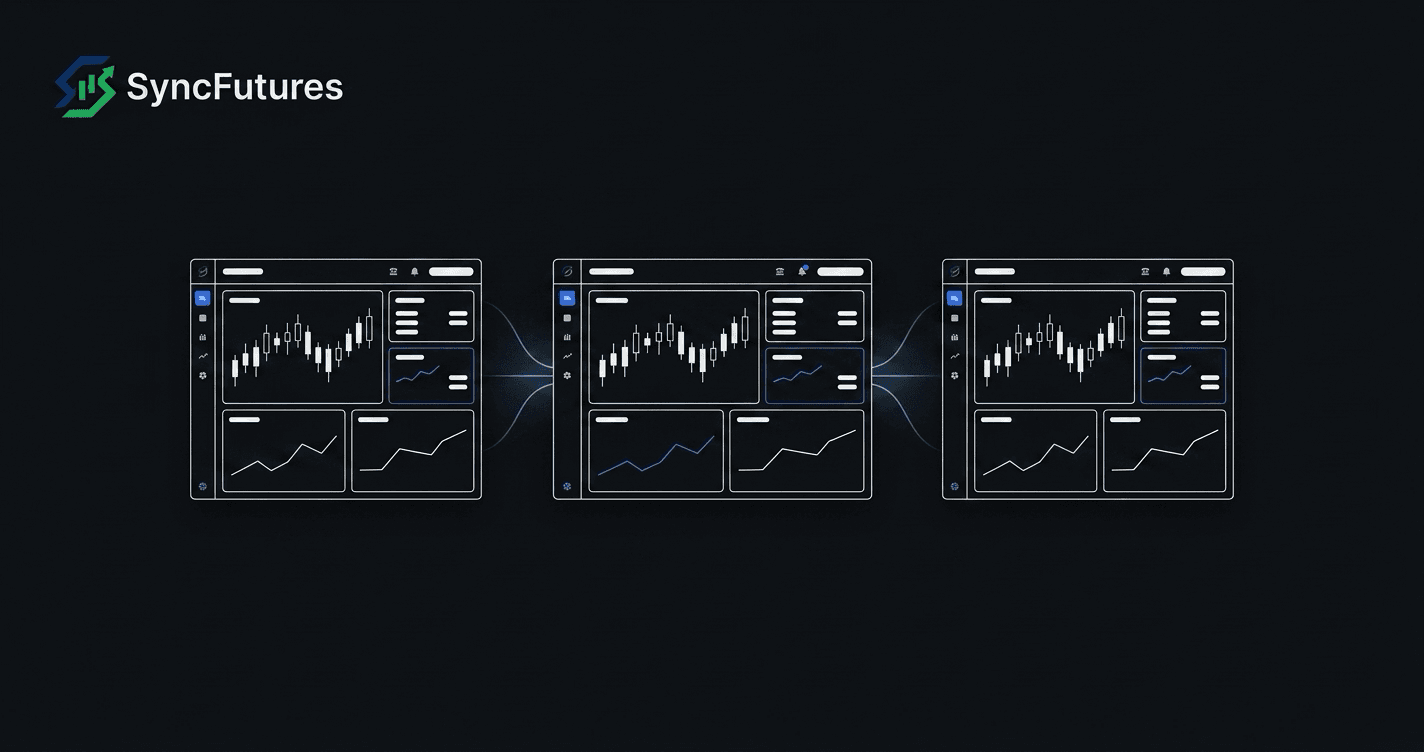
If you're running multiple Blue Guardian Futures accounts and placing the same trade manually on each one, you already know how fast a session can get away from you. Blue Guardian Futures explicitly allows third-party trade copying software for your own accounts — which means you can use SyncFutures to copy your fills automatically across all of them.
This guide covers what you need to know about Blue Guardian Futures' copy trading rules, how to connect your BG Futures accounts in SyncFutures, and how to set up a working copy rule.
What Is Blue Guardian Futures?
Blue Guardian Futures is a simulated futures prop firm that lets traders run evaluation and funded-style accounts on Tradovate, with no real funds at risk. Like most futures prop firms, the appeal is scaling: pass the evaluation, get access to a larger simulated account, and draw payouts based on your performance.
Many traders run multiple BG Futures accounts at the same time, trading the same strategy across them. That's exactly where a trade copier pays for itself.
Does Blue Guardian Futures Allow Copy Trading?
Yes. Blue Guardian Futures explicitly allows copy trading with third-party copier software, provided all copied trades are between accounts you personally own. Copying from other traders, signal providers, or trade groups is prohibited. You cannot use a copier to receive signals from someone else's account — only to replicate your own trades across your own accounts.
Two other rules worth knowing:
- Fully automated trading is prohibited. BG Futures bans AI, bots, and other fully automated ("set and forget") systems. Semi-automated trading is allowed, but you're expected to actively monitor and manage your trades — a copier replicating your own manually-placed trades fits that, but treat it as a tool you supervise, not an unattended strategy.
- Automated/high-frequency systems are capped at under 200 trades per day per account. If your master account trades very actively, keep that cap in mind — a copier makes it easy to hit high trade counts across multiple accounts without noticing.
Confirm the current rules in your own account documentation before you start, since firm policies can change.
How Blue Guardian Futures Accounts Connect in SyncFutures
Blue Guardian Futures accounts run on Tradovate infrastructure. In SyncFutures, that means you connect each BG Futures account using the Tradovate OAuth2 flow — no username/password entry, just an authorization screen through Tradovate.
| Account type | Platform | Environment | SyncFutures connection |
|---|---|---|---|
| BG Futures (evaluation or funded) | Tradovate | Simulated (Demo) | Tradovate OAuth2 |
When you add a Tradovate connection in SyncFutures, select Demo environment for your BG Futures accounts — these are simulated accounts, not live Tradovate accounts.
Step-by-Step: Setting Up the Blue Guardian Futures Trade Copier
1. Add your Blue Guardian Futures accounts
Go to the Accounts page in SyncFutures (web or mobile). Click Add account and select Tradovate. SyncFutures will ask you to pick Demo environment before redirecting you to Tradovate's own login screen to authorize. Your BG Futures account(s) will appear once authorized.
One Tradovate authorization pulls in every account under that login — you don't need to reconnect for each BG Futures account individually. If BG Futures issues you a single Tradovate login covering all your accounts, one connection is enough; you'd only need a second connection if you're also trading a separate Tradovate login (for example, a personal account you want to use as master).
2. Decide on master and slave accounts
One account acts as the master — this is where you place your trades. Every other account is a slave — trades copy from the master automatically when a fill occurs.
Your master can be:
- One of your BG Futures accounts (a larger or more established account you use as the "source")
- A separate personal Tradovate account (if you prefer to trade on a live or personal account and copy to all your BG Futures accounts)
3. Create a copy rule
In SyncFutures, go to Copier Rules and create a new rule:
- Master: your chosen source account
- Slave(s): each BG Futures account you want to receive the copies
- Quantity multiplier: default is 1x (same size as the master). Adjust if your BG Futures accounts are sized differently from your master — for example, 0.5x if the slave account is half the size.
- Symbol: pick the specific contract you want to copy (e.g., MES, ES, NQ). Copy rules are symbol-specific — set one rule per instrument you trade.
4. Verify the setup before going live
Before your next session, run through this checklist:
- Each BG Futures connection shows as connected on the Accounts page
- The master account is correct — a fill on the wrong account is a hard mistake to fix
- Symbol filter matches the contract you're actually trading (including the current front-month)
- Quantity multiplier is what you intended
5. Monitor from the dashboard or mobile app
Once a copy rule is active, you can monitor fills, P&L, and account status from the SyncFutures web dashboard or the mobile app. If a copy doesn't go through, SyncFutures sends a push notification to your phone so you can catch it quickly.
Use one-click flatten if you need to close positions across all accounts simultaneously — it closes positions and cancels any resting orders on every connected account at once.
Quarterly Rollover: Update Your Contract Symbol
Copy rules in SyncFutures are pinned to a specific contract symbol, not to a generic instrument. When ES rolls from ESU26 to ESZ26, for example, a rule still pointing to ESU26 will go quiet — the master fills on the new front month, nothing copies.
Set a reminder before each quarterly rollover (March, June, September, December) to update your copy rule to the new contract. It takes about 30 seconds and prevents a session of silent misses.
Plans and Pricing
The Starter plan covers 3 broker connections for $39/mo — since one connection can hold every BG Futures account under a single Tradovate login, that's usually enough room for your BG Futures accounts plus a separate master, not a per-account limit. The Professional plan gives you 5 connections at $89/mo, and Ultimate handles unlimited connections (up to 200 accounts) at $129/mo. All plans include the full feature set: copy rules, quantity multipliers, one-click flatten, real-time realized P&L monitoring, and trading journal. 7-day free trial.
See the full SyncFutures plan for Blue Guardian Futures →
Frequently Asked Questions
Can I copy from a live Tradovate account to my Blue Guardian Futures accounts?
Yes — the master can be any Tradovate account, including a live one. Your BG Futures accounts are on Tradovate Demo; the master doesn't have to be. SyncFutures copies across environments.
Do BG Futures accounts use Live or Demo environment in Tradovate?
Demo. Blue Guardian Futures accounts are simulated throughout — select Demo in SyncFutures before you're redirected to authorize with Tradovate.
What happens at quarterly rollover?
Your copy rule is pinned to a specific contract. You need to update it to the new front-month symbol before the rollover date, or the master fills and nothing copies to the slaves. See the quarterly rollover checklist for the full process.
What if a copy fails?
SyncFutures sends a push notification on copy failures. Copied trades show up in your trading journal, where you can review them after the fact. In-product support is at /dashboard/support.
Can I copy between multiple traders' Blue Guardian Futures accounts?
No — and this would violate BG Futures' rules. Copy trading is allowed only between accounts you personally own. Do not use SyncFutures to copy from another trader's account.