

Copy Trades Across Multiple TopstepX Accounts: Lead/Follower vs. SyncFutures Setup
How to copy trades across multiple TopstepX Express Funded accounts — when to use TopstepX's built-in Lead/Follower feature vs. SyncFutures via the ProjectX API, and how to set up each.
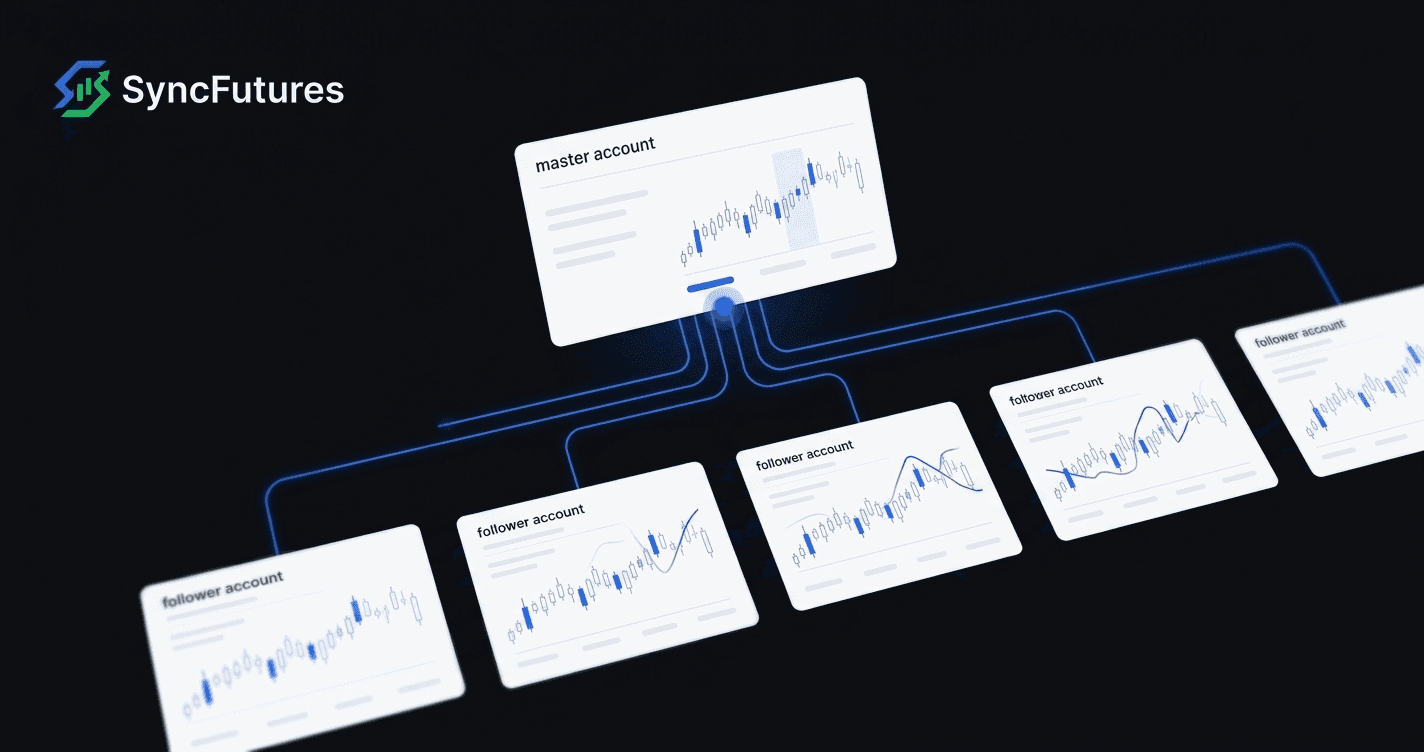
If you're running more than one TopstepX Express Funded account at the same time, you have two options for copying trades across all of them: TopstepX's built-in Lead/Follower feature, or a third-party copier like SyncFutures connected via the ProjectX API.
Both work. Which one is the right fit depends on what else you're trying to do.
What You're Actually Connecting
TopstepX accounts operate exclusively on ProjectX. There's no Tradovate or Rithmic option — every TopstepX account, evaluation or funded, goes through the ProjectX infrastructure. That means all of your TopstepX connections in SyncFutures will use the same connection type: ProjectX API key.
| Account Type | Broker Platform | Environment | Connection in SyncFutures |
|---|---|---|---|
| TopstepX Express Funded (XFA) | ProjectX | Simulated | ProjectX API key + TopstepX firm |
| TopstepX Live Funded | ProjectX | Live capital | ProjectX API key + TopstepX firm |
Express Funded Accounts (XFA) are simulated — fills happen on a paper exchange, not real capital. This is what most TopstepX traders are trading. TopstepX's Live Funded Account program (where Topstep's real capital is at stake) is available only via a direct invitation from the risk team; it's not something you apply for on a set timeline.
For copy trading purposes, the mechanics are the same regardless of environment: one account places a trade, the copier mirrors it to the others.
TopstepX's Built-In Lead/Follower vs. SyncFutures
Before going through the ProjectX API setup, it's worth understanding what the built-in option does.
Built-In Lead/Follower
TopstepX includes a native Lead/Follower feature that lets you designate one Express Funded account as the lead and others as followers. Trades placed on the lead account automatically copy to the follower accounts. Setup is done directly in your TopstepX dashboard — no third-party tool required.
The built-in feature is the simpler path if all your accounts are TopstepX Express Funded accounts and you don't need anything else.
When SyncFutures Makes Sense
SyncFutures via ProjectX adds value in a few specific cases:
- You also have accounts at other prop firms. If you're running TopstepX accounts alongside Apex (Tradovate/Rithmic) or Tradeify (Tradovate/Rithmic) accounts, a single SyncFutures copy rule can cover all of them. Lead/Follower only works within TopstepX.
- You want the trading journal and P&L monitoring. SyncFutures syncs your fills from all connected accounts into one journal — net fees, auto-tagging, realized P&L across accounts. The built-in feature doesn't include this.
- You want quantity multipliers. SyncFutures lets you set different size multipliers per slave account (0.1x–100x), so a master fill can copy at a different size to each account depending on your rules. Useful if your TopstepX accounts are different sizes.
- You want mobile monitoring. SyncFutures has a native iOS and Android app for monitoring fills, positions, and P&L.
If you're running only TopstepX accounts and just want the fills to copy, the built-in Lead/Follower is probably the simpler choice. If you need cross-broker or the journal layer, SyncFutures is worth the extra setup.
Prerequisites for SyncFutures + ProjectX
Before connecting:
1. ProjectX API Subscription
Connecting SyncFutures to TopstepX requires a separate ProjectX subscription for API access — this is in addition to your TopstepX account subscription. Check current pricing in the ProjectX Dashboard. TopstepX traders are sometimes offered a discount code for the ProjectX subscription; check your TopstepX account area or contact TopstepX support for a current code before subscribing.
2. Disable Auto-Brackets in TopstepX
In TopstepX, go to Settings > Risk Settings and disable both Auto OCO Brackets and Auto Position Brackets if they're enabled. These settings attach additional orders to every fill automatically, which interferes with how copy rules execute on the slave accounts.
3. Confirm TopstepX Policy for Your Account Type
Topstep places restrictions on certain automated setups. Confirm with TopstepX support that running a third-party copier is acceptable for your specific account type before connecting one. Policies can change, and the compliance obligation is yours.
Connecting Your Accounts in SyncFutures
Connection Type
Every TopstepX account connects in SyncFutures using the ProjectX connection type. You'll need your ProjectX username and an API key, plus TopstepX selected as the prop firm.
To connect:
- Open SyncFutures and go to Accounts Management.
- Select Add Broker Connection and choose ProjectX.
- Enter your ProjectX username, API key, and select TopstepX as your prop firm.
- Your TopstepX accounts will appear — select the one for this connection.
Repeat this for each account you want to connect. Each account that will participate in copying (master and slaves) needs its own connection in SyncFutures.
For specific details on generating ProjectX API keys or managing multiple accounts under one login, refer to the ProjectX Dashboard documentation or TopstepX support resources, as this varies based on your ProjectX account setup.
Setting Up the Copy Rule
Once your accounts are connected:
- Go to Copier Rules in SyncFutures and click New Copier Rule.
- Select your master account — the account you'll be trading from.
- Add your slave accounts — the TopstepX accounts that will receive the copied fills.
- Set a quantity multiplier for each slave. If all your accounts are the same size, 1x keeps them in sync. If a slave account is smaller, dial the multiplier down accordingly (e.g., 0.5x copies at half the master's size).
- Set a symbol for the rule — this is the specific contract you're copying (e.g.,
MESZ6,ESZ6). The rule is pinned to this contract symbol; you'll need to update it each time the front-month rolls. - Save and activate the rule.
Contract Symbols on ProjectX
SyncFutures copy rules are pinned to a specific contract symbol. At quarterly futures rollover (March, June, September, December), you'll need to update the symbol in your rule before the front-month expires — otherwise the master fills and nothing copies to the slaves. It's a quick update in the rule settings; just don't wait until after rollover to do it.
What the Copier Does and Doesn't Do
Does:
- Mirror fills from the master to all slave accounts in real time.
- Scale copied size up or down per slave based on your multiplier.
- Log all fills in the trading journal with net P&L and timestamps.
- Allow one-click flatten across all accounts.
Doesn't:
- Enforce TopstepX drawdown rules. Daily and weekly loss limits in SyncFutures are informational journal goals — they surface in the dashboard but don't auto-close positions or disconnect accounts. You're responsible for managing your account within TopstepX's rules.
- Auto-suspend on a rule breach or disconnect automatically. If an account hits a loss limit, nothing is enforced by the copier; you have to act on it.
- Guarantee identical fill prices across accounts. Execution happens on each account independently; small timing differences are normal.
Pricing
SyncFutures plans are connection-based — the plan you need depends on how many broker accounts you're adding. See syncfutures.com/pricing for current plan details.
| Plan | Connections | Price |
|---|---|---|
| Starter | 3 | $39/mo |
| Professional | 5 | $89/mo |
| Ultimate | Unlimited (up to 200 accounts) | $129/mo |
7-day free trial on all plans.
Subscriptions are handled on syncfutures.com/pricing — not through the iOS or Android app.
FAQ
Does TopstepX allow third-party copy tools?
TopstepX's Lead/Follower feature is the officially supported path. Third-party copiers via the ProjectX API are technically possible, but Topstep's policy on this can vary by account type. Confirm with TopstepX support before connecting a third-party tool.
Do I need a separate ProjectX API key for each TopstepX account?
Refer to the ProjectX Dashboard documentation for how API keys work with multiple accounts. This depends on your ProjectX account structure and may differ from setup to setup.
Can I use SyncFutures to copy from a TopstepX account to an account at a different firm?
Yes — if you also have accounts at firms like Apex (Tradovate/Rithmic) or Tradeify (Tradovate/Rithmic), you can add those as additional slave accounts in the same or a separate copy rule. That's where SyncFutures has a clear advantage over the built-in Lead/Follower, which only works within TopstepX.
What's the difference between Express Funded and Live Funded for copy trading?
Mechanically, the copy rule setup is the same either way. The difference is that Express Funded accounts run on a simulated exchange (fills are paper), while Live Funded accounts involve real capital. Live Funded is available only by invitation from TopstepX's risk team.
What happens at quarterly futures rollover?
Your copy rule is pinned to a specific contract symbol (e.g., ESZ6 for December ES). When the contract rolls in December, you'll update the symbol to the next front-month (ESH7). If you don't update it before the old contract expires, the master fills and nothing copies — check out our quarterly rollover checklist for the step-by-step.
Ready to connect your TopstepX accounts? Start with a 7-day free trial at syncfutures.com/pricing. Work through the prerequisites above first, then add a ProjectX connection per account and build your copy rule.