

What Is a Bracket Order in Futures, and How Does It Work?
How a futures bracket order ties a profit target and a stop loss to one entry, which part of the system cancels the leg that did not fill, and what changes when a bracket is copied to several accounts.
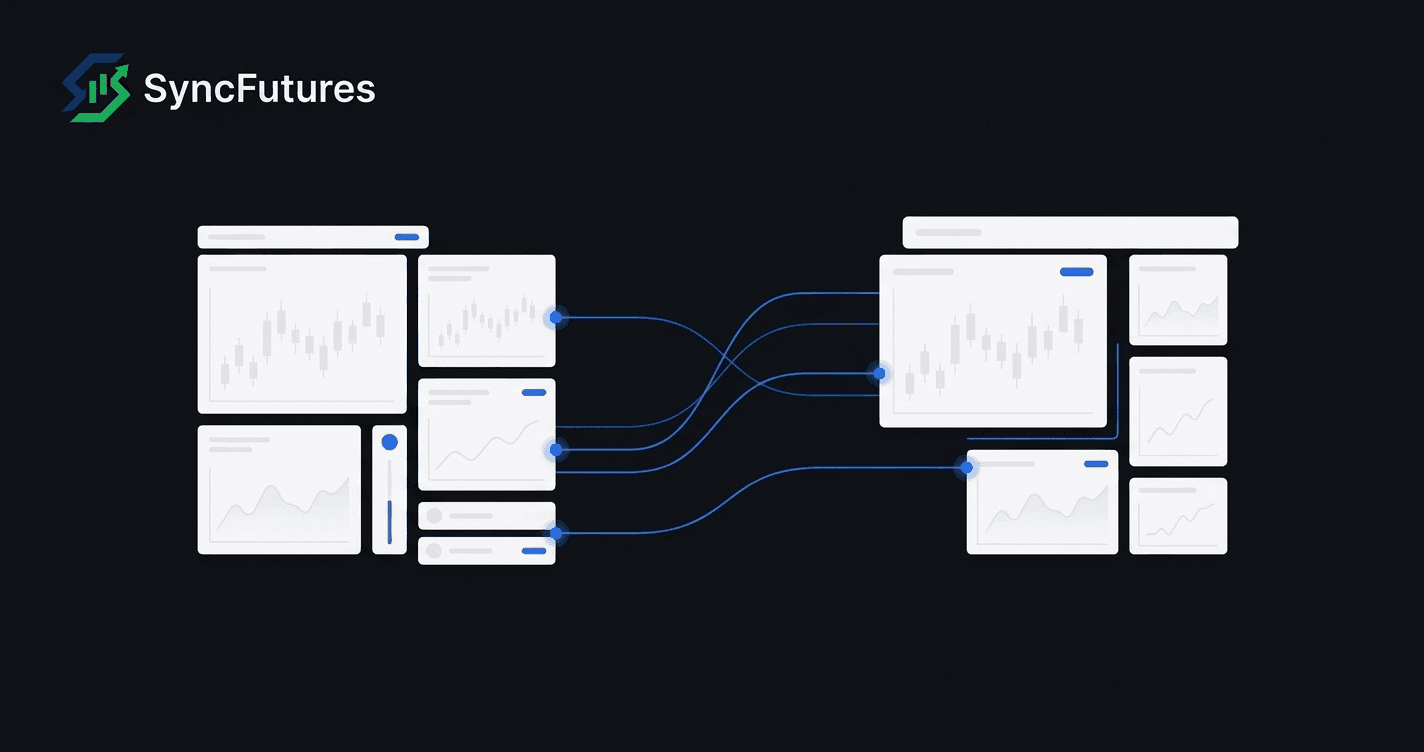
A bracket order in futures is an entry order with two exits attached: a profit target on one side of the entry price and a stop loss on the other. Once the entry fills, both exits are working, and when either one fills the other is cancelled automatically.
What is a bracket order in futures?
A futures bracket order is three orders placed as one: an entry, a profit target and a protective stop. The two exits wait until the entry fills, then sit on opposite sides of the market, and the first exit to fill cancels the other. The trader decides the risk and the target before the trade is open.
Take a hypothetical long of one Micro E-mini S&P 500 (MES) contract:
- Entry: buy 1 at 6,000.00 with a limit order.
- Target: sell 1 at 6,010.00 with a limit order.
- Stop: sell 1 at 5,995.00 with a stop order.
Until the buy fills, there is nothing to protect, so the two sells are held back. Once the buy fills, the sell limit and the sell stop both go live. If the market rallies to 6,010.00 and the target fills, the stop is cancelled. If it drops to 5,995.00 and the stop triggers, the target is cancelled. Either way the account ends flat, with no leftover order that could open a new position.
The CFTC glossary defines the linked pair at the centre of this, the One Cancels the Other (OCO) order: two orders where a fill on one cancels the other automatically. A bracket is an OCO pair that only becomes active once an entry fills.
What is the difference between a bracket, an OCO and an OSO order?
An OCO links two orders so that one filling cancels the other. An OSO (order sends order) sends a follow-on order only after a first order fills; Tradovate's version takes one follow-on and an optional second. A bracket combines the two: an OSO whose two follow-on orders are an OCO pair. Tradovate's API documents both pieces as separate order strategies.
| Term | What it links | When the exits go live | Example |
|---|---|---|---|
| OCO (one cancels the other) | Two orders, no entry | No entry to wait for | A take-profit sell and a stop-loss sell on a long already held |
| OSO (order sends order) | An entry plus one or two follow-on orders | When the entry fills | Placing an entry with its exit attached |
| Bracket | An entry plus a target and a stop that cancel each other | When the entry fills | Entry, target and stop in a single ticket |
In the MES example, the two sells are what Tradovate's Place OSO documentation calls bracket1 and bracket2. The documentation says bracket1 is sent only if the buy fills, and that when bracket2 is given too, the pair is linked as an OCO. The response has a field for each of three order IDs (orderId, oso1Id, oso2Id): a bracket is three separate orders carrying a relationship.
Tradovate's Place OCO page covers the version with no entry: a pair of orders in which either one, once it fills, cancels its partner. The page's own example pairs a sell to take profit with a sell to stop out, the shape of exits on a long that is already open.
Does the exchange or the trading platform manage a bracket order?
On CME Globex, the order types documented for futures are limit, market-limit, market with protection, stop-limit and stop with protection. CME Group's order-types page does not list a bracket or an OCO type. In the platform documentation cited here, the link between the legs belongs to the platform's own order system.
On Tradovate, OSO and OCO are endpoints on Tradovate's own API, and its documentation describes the platform sending the exit once the entry fills and cancelling one linked order when the other fills. On ProjectX, the platform behind TopstepX, the bracket is a pair of fields, stopLossBracket and takeProfitBracket, on the place-order call, each set as a distance in ticks plus an order type.
This matters because the rule that only one exit should fill depends on software watching both legs. SyncFutures' own risk disclosure names the failure for brackets: if OCO handling breaks down because of a broker restriction, a dropped connection or an API limit, the take profit and the stop loss can stay active together.
What happens to the stop and the target when they reach CME?
The target leg is an ordinary limit order. A sell target fills at its price or higher, and a buy target at its price or lower. It stays on the book until it fills, is cancelled or expires. The stop leg is more complicated, because a stop does not rest on the book at all until it is triggered.
CME describes two kinds of futures stop. Both wait off the book until a trade prints at the stop price, then enter as something else:
| Stop type on CME Globex | What it becomes when triggered | If it cannot fill completely |
|---|---|---|
| Stop with protection | A market order capped at a protection price | The remainder rests at the protection price |
| Stop-limit | A limit order at the trader's limit price | The remainder rests at that limit price |
CME sets the protection price at the trigger plus or minus a number of protection points, which it says usually equals half the product's non-reviewable range.
For the bracket in the example above, this means a triggered stop can fill at a worse price than 5,995.00, and in a fast move part of it can be left working at the limit or protection price. The stop is also checked when it arrives: during continuous trading, CME requires a sell stop to sit below the last traded price and a buy stop above it.
Platforms expose different sets of stop types. Tradovate's OSO call accepts stop, stop-limit, market stop with protection and trailing stops among its order types. ProjectX's order type list has stop and trailing stop but no stop-limit.
How do TopstepX accounts handle bracket orders?
An order with a stop and a target attached, sent to a TopstepX account through the ProjectX Gateway API (its order endpoint is at api.topstepx.com), can come back rejected even when its prices are fine. The cause is a setting on the account. ProjectX's API documentation says an order carrying stopLossBracket or takeProfitBracket is rejected when the account's bracket mode is Position Brackets, the default.
In that mode the platform keeps the brackets at the level of the whole position. The other mode, Auto OCO Brackets, lets each order bring its own pair, and the documentation's way round the rejection is either to switch the account to it under Settings > Risk Settings or to leave the bracket fields off.
For anyone running several TopstepX accounts, the setting is per account. Two accounts that look identical can treat the same order differently if one was switched and the other was left at the default. The guide to copying trades across multiple TopstepX accounts covers the connection and setup side.
How is a bracket order copied to follower accounts?
SyncFutures copies a bracket leg by leg: the entry, the target and the stop are each placed on the follower as its own order. The legs are kept in step through the master: when the master cancels or changes a leg, the copier applies the same cancel or change to the follower copies.
In more detail, from SyncFutures' copy engine:
- Timing on Tradovate and NinjaTrader masters. Tradovate holds a new bracket's two exits in a suspended state until the entry fills. The copier skips suspended legs and copies each exit when it becomes a working order, so followers receive their exits after the master's entry has filled.
- Size. Each copied order starts as the master's quantity times the follower's multiplier, rounded down, and can then be cut by a maximum order size and an available-balance check. A leg that comes to zero is not placed. The size comes from the master's order, whatever the follower holds.
- Cancels and edits. If the master's stop is moved, the follower stops are modified to match. If the master's stop is cancelled because its target filled, the follower stops are cancelled.
- A rejected leg on Rithmic. If a follower on Rithmic rejects one copied leg, the copier cancels the other copied orders for that symbol on that account that are still open and were placed in the previous 30 seconds, so a lone exit is not left behind.
Followers can be on the same platform as the master or a different one. The platforms SyncFutures connects to are listed on the supported platforms and symbols page.
What can go wrong when a bracket runs on several accounts?
Apart from the Rithmic rejection case above, a follower's copied exits are cancelled or changed only when the master's are, so trouble starts when a follower's fills differ from the master's. Three cases are covered here: a follower entry that only partly fills, a follower target that fills when the master's does not, and a leg one follower's platform rejects.
A partial entry on a follower. Say the master buys 4 contracts and a follower with a 1x multiplier gets 3 before the rest of its entry is cancelled. The follower's target and stop are still sized at 4, from the master. If either fills in full, the follower sells 4 against a long of 3 and can end up short 1.
A follower target fills and the master's does not. A limit order can go unfilled at a price that traded, as the guide to market orders vs limit orders in futures explains, so the master's and a follower's targets can part ways. If the follower's target fills and the master's stays working, the follower is flat but its copied stop is still live. SyncFutures does not cancel that stop because the follower's own target filled. It is cancelled when the master's stop is cancelled. If the market reaches the stop first, the stop triggers on a flat account and opens a position in the opposite direction.
A rejected leg. A follower's platform can refuse an order the master's accepted. As an example of why, the failure reasons in Tradovate's Place OSO documentation include a maximum position limit reached and trading locked on the account. Outside the Rithmic case above, check that follower's open orders after any rejected copy.
SyncFutures' risk disclosure covers the same ground: OCO handling can fail and leave both exits active, and changes to a bracket may not reach every account. After a bracket exits, check each follower's open orders to confirm nothing is left behind. The page on futures risk management across accounts describes the monitoring and flatten tools.
Rules on copiers and automation differ by prop firm and change over time, so check your own firm's current rules before copying brackets across its accounts. The post on what a trade copier does and does not enforce covers where the copier's job ends.
Frequently asked questions
Does CME Globex support bracket orders?
CME Group's documentation of Globex order types for futures lists limit, market-limit, market with protection, stop-limit and stop with protection. It does not list a bracket or OCO order. In the platform documentation cited here, the trading platform builds the bracket: it sends the exits after the entry fills and cancels one exit when the other fills.
What is the difference between OCO and a bracket order?
An OCO is two linked orders where a fill on one cancels the other, with no entry attached. Tradovate's own example pairs a sell to take profit with a sell to stop loss, exits for a position already held. A bracket adds an entry in front of that pair, and the target and stop only become active once the entry fills. Tradovate documents the first as Place OCO and the second as an OSO with two linked exits.
Can a bracket stop loss fill at a worse price than the stop?
Yes. On CME Globex a futures stop waits off the book until a trade prints at the stop price, then enters as a limit order (stop-limit) or as a market order capped at a protection price (stop with protection). It can fill at any level up to that limit or protection price. If it cannot fill completely, the remainder rests at that price and stays working.
Why was my TopstepX order with a bracket rejected?
One cause documented for orders sent through the ProjectX API is the account's bracket mode. The default, Position Brackets, handles stops and targets for the whole position, and ProjectX's API documentation says an order sent with its own bracket fields to an account on that mode is rejected. An account set to Auto OCO Brackets, under Settings > Risk Settings, accepts them. The mode is chosen per account, so two accounts can treat the same order differently.
Will a copied bracket close cleanly on every follower account?
Not always. SyncFutures places each leg on a follower as a separate order and keeps those legs in step through the master's cancels and edits. If a follower's fill differs from the master's, such as a partial entry or a target that fills only on the follower, the follower can be left with an oversized exit or a stop still working. Check each follower's working orders after an exit.