

Does Your Trade Copier Enforce Prop Firm Drawdown Rules? What SyncFutures Does Instead
Can a trade copier enforce your prop firm's daily loss limit or trailing drawdown? Here's exactly what SyncFutures does — informational loss tracking, not auto-enforcement — and why.
If you're running funded accounts through a prop firm and considering a trade copier, one of the first questions that comes up is whether the copier will help enforce your risk rules. Will it stop you from trading when you've hit your daily loss limit? Will it flatten your positions automatically if you get close to your max drawdown?
These are practical questions, and the honest answer — at least for SyncFutures — is: no. A trade copier is not a risk enforcement layer. Here's exactly what SyncFutures tracks and what it leaves to you.
What prop firms typically measure
Most prop firm funded accounts have some combination of:
- Daily loss limits — a maximum you can lose in a single trading day
- Trailing or maximum drawdown — a floor your account balance can't fall through
- Profit targets — for evaluation phases, a minimum return to reach
The prop firm enforces these rules on their side. If you breach a limit, the firm may suspend or close your account — that's their enforcement, on their platform.
What SyncFutures does with those limits
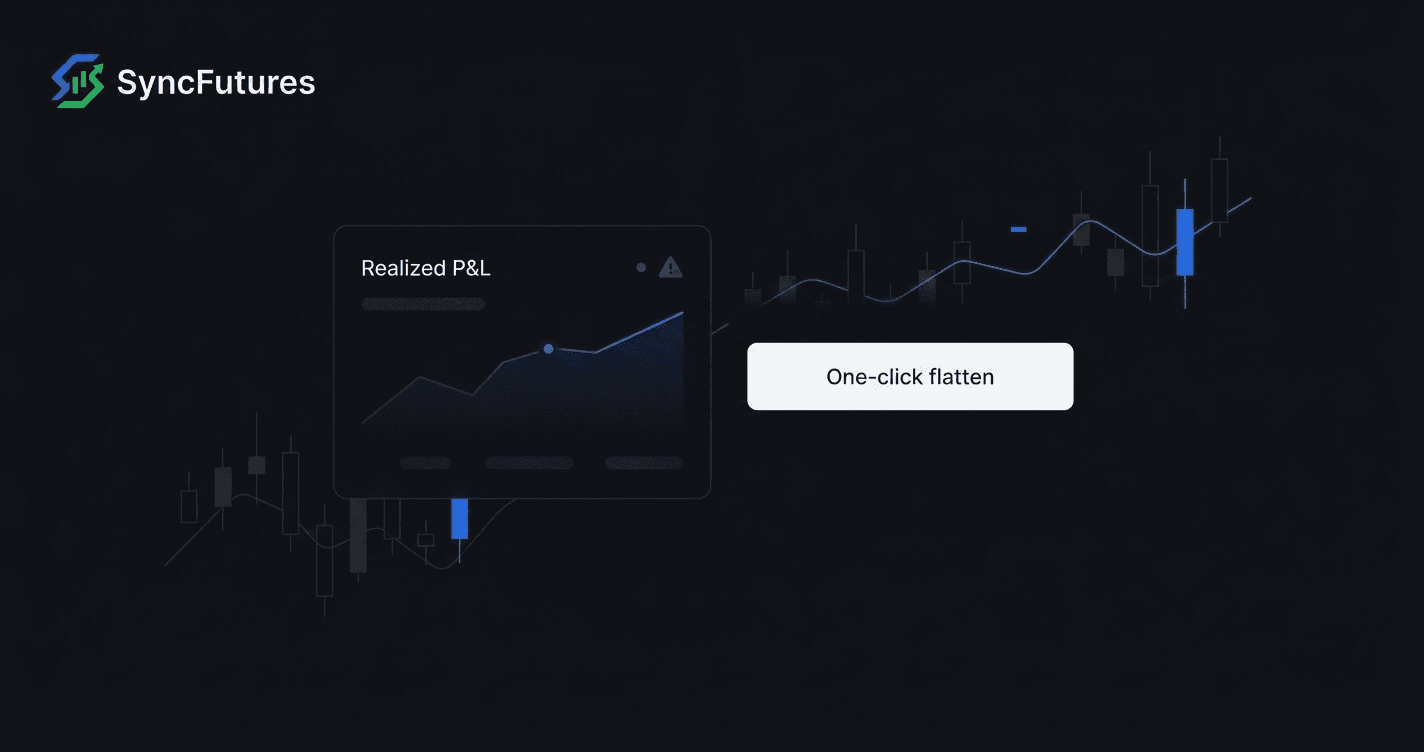
SyncFutures includes informational daily and weekly loss limits that you set as journal goals. When your realized P&L reaches a limit you've set, that surfaces as a warning in the dashboard.
What it does not do:
- Auto-close your positions when you approach a loss limit
- Auto-flatten the account when a limit is breached
- Auto-disconnect your account from the copy engine
- Block new orders based on your P&L
The loss limit is a journal goal — informational, not enforced. The moment you see the warning, any action you take is manual.
This is intentional. SyncFutures connects across multiple brokers, and automating position management across broker APIs — each with different behavior, connection states, and latency — introduces a different category of risk. A failed auto-flatten at the wrong moment can be worse than no auto-flatten at all. We decided it's not a feature we can offer reliably enough to ship, so we don't ship it.
What you can do manually
The controls you do have:
One-click flatten. The flatten button in SyncFutures closes all open positions across an account and cancels any resting orders simultaneously. It's immediate, manual, and covers both positions and pending orders in one tap — on web or on the mobile app.
Loss limit dashboard warnings. Set your daily and weekly limits in the journal settings. The dashboard surfaces when you're at or past those levels so you can make the call yourself.
Copy rule management. If you want to stop copying to a specific account, you can disable the copy rule in real time. This doesn't close existing positions but prevents new copies from firing.
Why this matters for prop firm compliance
Your prop firm's drawdown enforcement happens on their platform, independently of whatever tool you're using to copy trades. If you breach a rule, the firm's system is what closes your account — not the copier.
A trade copier like SyncFutures helps you execute the same trade across multiple accounts at once. What it doesn't do is sit between you and your prop firm's rules, acting as a compliance layer. Those are two different jobs, and conflating them can create a false sense of protection.
Knowing this upfront means you can use SyncFutures for what it's good at — synchronized execution across accounts — while keeping your risk management as your own active responsibility.
The journal as a feedback tool
One practical way to stay within your limits: the SyncFutures journal syncs all your fills automatically, shows net P&L, and breaks down performance by day and time slot. Over time, that data helps you understand where your drawdown risk actually comes from — which sessions run hot, which setups regularly move against you, and whether your edge holds as consistently as you think it does.
Synca, our AI trading coach ($14/mo, separate add-on), explains those patterns and surfaces what's worth reviewing. It doesn't auto-enforce anything either — but it does make the patterns visible, which makes staying within your limits easier.
FAQ
Does SyncFutures auto-close positions if I breach a loss limit?
No. Loss limits in SyncFutures are informational journal goals. When a limit is reached, it surfaces in the dashboard. What you do next is your call — use the one-click flatten button if you want to close out.
Will SyncFutures automatically pause copying if I hit a daily loss limit?
No. Copy rules stay active regardless of your P&L. If you want to stop copying to an account, disable the rule manually.
Can I see how close I am to my prop firm's limits in SyncFutures?
You can set your own daily and weekly loss limits as journal goals, and the dashboard shows your realized P&L against those targets. However, SyncFutures doesn't have direct access to your prop firm's drawdown calculations — those numbers live in the prop firm's platform. The figures you see in SyncFutures are based on your realized trade data.
What does the one-click flatten actually do?
It closes all open positions on the selected account and cancels any resting limit or stop orders at the same time. You'd use it when you want to go flat immediately — during a fast market move, at end of day, or when you've hit a limit you've set for yourself.
Which plan includes the loss limit tracking?
All plans include the full feature set — journal, loss limit goals, one-click flatten. Plans differ only by the number of connections:
- Starter: 3 connections ($39/mo)
- Professional: 5 connections ($89/mo)
- Ultimate: unlimited connections, up to 200 accounts ($129/mo)
Start a 7-day free trial at syncfutures.com/pricing
Related guides: