

Market Order vs Limit Order in Futures: How Each One Fills
This explains how market and limit orders fill on CME Globex, why a limit order can sit unfilled at a price that traded, and what changes when either one is copied to several accounts.
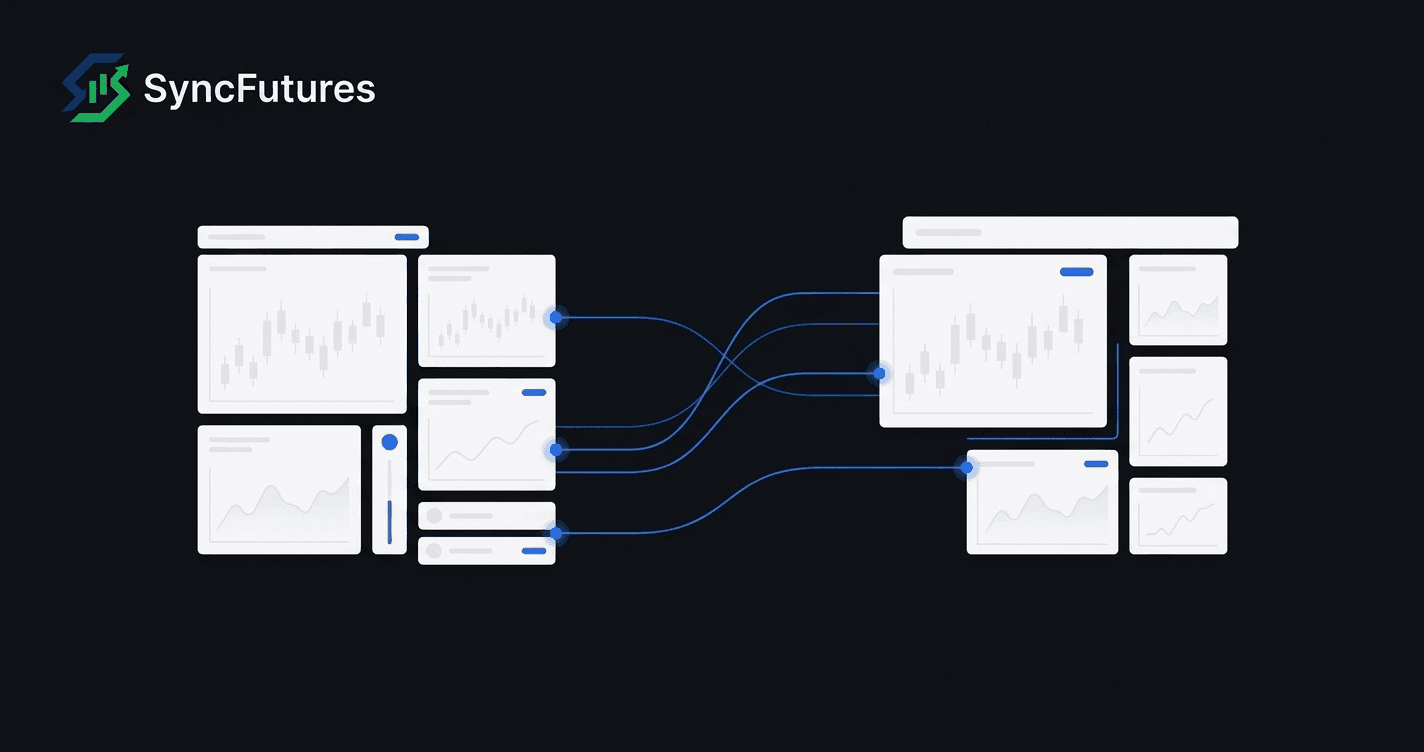
A market order in futures buys or sells at whatever price the order book offers when the order arrives, so it trades fast and the price is whatever is available. A limit order names the worst price you will accept, so the price is controlled and the fill is not certain.
The rest of this post covers how CME Globex actually handles each one, why a limit order can sit untouched while price trades at it, what happens to a partial fill, and what changes when the same order is copied from one account to several.
What is a market order in futures?
A market order in futures trades at whatever price the order book offers at the moment the order gets there. The CFTC glossary defines it as an order to buy or sell at any price obtainable at that point, and its limit-order entry sets the market order up as the one meant to fill straight away.
On CME Globex that fill has a ceiling. Take a hypothetical buy of 10 contracts when the best offer is 100.00 and the protection range is 3.00 points. Globex adds the 3.00 to the best offer, which gives a protection price limit of 103.00. The order takes offers from 100.00 upward and goes no higher than 103.00. If only 7 contracts are offered between those two prices, you get 7, and the other 3 wait on the book as a buy limit at 103.00.
A sell runs the same way downward, with the protection points taken off the best bid. CME lists this market order with protection among its futures order types. CME describes its purpose as keeping market orders away from extreme fill prices.
The practical upshot: a market order sent to Globex can come back partly filled, with a working order left behind.
What is a limit order in futures?
A limit order in futures sets a price boundary. In the CFTC glossary's terms, a buyer sets the most they will pay and a seller sets the least they will accept. Globex fills a buy limit at its price or anywhere below it, and a sell limit at its price or anywhere above it.
Two hypothetical cases for a buy limit of 10 contracts at 100.00:
- Best offer is 100.50. Nothing on the book is cheap enough, so no contracts trade and all 10 wait at 100.00.
- 4 contracts are offered at 99.75, and nothing else at or under 100.00. Those 4 can trade at once, because a buy limit is allowed to execute below its price, and the remaining 6 wait at 100.00.
An order that waits is a resting order. It sits in what the CFTC glossary calls the central limit order book, the one book a market keeps for these orders. A resting limit leaves that book in one of three ways: it is filled, you cancel it, or it expires.
Market order vs limit order: what is the difference?
The difference between a market order and a limit order is which uncertainty you accept. A market order accepts uncertainty about price to get an immediate fill. A limit order accepts uncertainty about the fill to fix the price. The table lays out how each behaves on CME Globex.
| Market order (with protection) | Limit order | |
|---|---|---|
| Price you get | Best available, bounded by the protection limit | Your limit price or better |
| Does it fill? | Fills at once against the book, within the protection range | Only if the market reaches your price and quantity is allocated to your order |
| Leftover quantity | Rests as a limit order at the protection price limit | Rests at your limit price |
| Price field in Tradovate's API examples | None | price |
Tradovate's order-placement API lists more than these two. Its order type field accepts twelve values, among them Market, MarketLimit, MarketWithProtection, MarketStopWithProtection, Limit, Stop and StopLimit. In that page's market-order and sell-limit examples, the limit order carries a price field and the market order has none.
What is a market-limit order?
A market-limit order on CME Globex trades at the best price on offer and stops there. Send the same 10-lot buy as a market-limit while 6 contracts are offered at 100.00 and the next offers are higher: the 6 fill at 100.00, and the other 4 turn into a buy limit at 100.00 that waits on the book.
Set that beside the protected market order from earlier, which kept buying through higher offers until it reached 103.00. Both can end with a remainder resting. The market-limit takes one price level before it rests; the protected market order can work through several, up to its protection limit.
Why didn't my limit order fill when price touched it?
A limit order can go unfilled at a price that traded because the contracts that changed hands there went to other resting orders. Picture 50 contracts resting to buy at 100.00, 10 of them yours, and a seller who hits 100.00 for 20. Twenty cannot cover fifty, so Globex runs a matching algorithm to share the 20 among the orders at that level. Your order might get some, all or none.
A seller big enough to take all 50 removes the question. In that case every order at the level fills, and CME's documentation says the fills go out in time priority. When Globex measures whether the incoming quantity covers the level, it counts displayed quantity only. CME documents more than one matching algorithm, and some of them include a pro rata step.
So a print at your price proves trading happened there. Whether your order took part depends on how much traded at that level and how the allocation treated your order.
What happens when a futures order only partly fills?
A partial fill in futures means some contracts traded and the rest are either still working or cancelled, depending on how the order was sent. Unless one of the qualifiers below is used, Globex keeps the rest working: a limit order's remainder waits at its limit, a protected market order's at its protection limit, and a market-limit's at the price of its first fill.
Two CME qualifiers stop a remainder from resting. Using the 10-lot again:
- Fill or Kill (FOK): all 10 trade straight away or none do. The CFTC glossary describes it as an order that is executed immediately or cancelled. On Globex you get one by taking a FAK and setting its minimum to the full 10.
- Fill and Kill (FAK): whatever matches resting orders straight away trades, and the unfilled contracts are cancelled. A minimum is optional. Set it to 5, and if fewer than 5 can trade, the whole order is cancelled.
Timing matters for both. Send either one while the market is in any state other than Open and CME rejects it.
How long does a limit order stay working?
A limit order on CME Globex with no time in force set is gone at the end of the trading day. Day is the default Globex applies to every order, and a day order does not survive past its own trading day.
To keep an order longer, CME's order qualifier reference offers two more. Here they are by lifespan, shortest first, with what ends each one:
| What ends the order | Day | Good Till Date (GTD) | Good Till Cancel (GTC) |
|---|---|---|---|
| Fully filled, or you cancel it | Yes | Yes | Yes |
| The trading day ends | Yes | No | No |
| A date you choose arrives | n/a | Yes | n/a |
| The contract expires | n/a | Yes | Yes |
Tradovate's API accepts Day, GTC and GTD, plus FOK and IOC, as time-in-force values. A GTC limit order still ends when its contract expires, which matters at rollover. Our quarterly futures rollover checklist covers that change from the copier side.
How are stop and stop-limit orders related to market and limit orders?
A stop order in futures is a market or limit order that waits for a trigger price. In the CFTC glossary, a stop order becomes a market order once its price is reached, with buy stops placed above the market and sell stops below. A stop-limit, once triggered, can only fill at its limit price or better.
Follow a hypothetical buy stop for 10 contracts at 105.00, entered while the last trade is 103.00. During continuous trading, Globex checks direction on entry: a buy stop has to be above the last trade and a sell stop below it, and 105.00 passes. Globex then keeps the order off the book. Nothing happens until a trade prints at 105.00. What the order turns into after that depends on its type:
| Stop-limit, limit at 105.50 | Stop with protection | |
|---|---|---|
| Joins the book as | A limit order at 105.50 | A market order with a protection limit |
| Highest price it can pay | 105.50 | 105.00 plus the protection points |
| Contracts left unfilled | Wait at 105.50 | Wait at the protection limit |
| Leans toward | Holding the price | Getting filled |
The stop-limit can fill anywhere from 105.00 to 105.50, and can be left unfilled if the market jumps past 105.50. For a stop with protection, CME says the protection points are usually half of the product's non-reviewable range.
The CFTC glossary describes one more Globex feature here, Stop Logic Functionality: a brief pause in matching when triggered stops would push price outside predefined values, to let new bids and offers arrive.
What changes when a market or limit order is copied to several accounts?
When SyncFutures copies an order, it places a separate order on each follower account. Every copy joins the book separately, so each one is filled, part-filled or left waiting on its own terms, by the same rules described above.
For market orders, each copy can fill at a different price, because each takes whatever the book offers when it arrives. For limit orders it can mean the master fills and a follower does not, or the reverse, depending on the queue at that price.
Here is how SyncFutures handles it, from the copier code:
- The order type carries over. A market order on the master goes to followers as a market order; a working limit or stop goes as the same type at the master's price.
- Working orders are copied when placed. A limit or stop order resting on the master is placed on each follower while it is still working, and if the master moves or cancels it, the follower orders are moved or cancelled to match.
- Size follows the copy rule. Before any size caps, each follower's quantity is the master's size times the multiplier set for that follower in the copy rule, rounded down, and a size that rounds to zero is skipped for that account.
- A stop-limit is not swapped for another type. The ProjectX order API page lists six order types, among them limit, market, stop and trailing stop, and no stop-limit, so a stop-limit is not placed on a TopstepX follower account. SyncFutures does not turn it into a different order type.
Because each follower's limit order queues on its own, positions across accounts can drift apart after a limit entry. Checking each account after limit orders, and knowing which order types each of your platforms accepts, is part of running several accounts from one. Our guide to copying trades across multiple prop firm accounts covers the account setup side, the cloud vs VPS explainer covers where the copier runs, and the platforms and symbols page lists what SyncFutures connects to. Prop firms set their own rules on copying, and those rules change, so check your firm's current rules before you copy anything.
Frequently asked questions
Is a market order or limit order better for futures?
Neither is better in general; each gives up something different. A market order fills immediately against the order book, and on CME Globex a market order with protection caps how far through the book it can go. A limit order fixes the worst price you accept but may not fill, or may fill only in part. Which one suits a trade depends on whether getting filled or controlling the price matters more at that moment, and that call is the trader's.
Can a futures limit order fill at a better price than my limit?
Yes. The limit is the worst price you accept, so a buy limit can trade below it and a sell limit above it. Say you bid 100.00 for 10 contracts while 4 are offered at 99.75: those 4 can trade straight away, and CME's rule lets a buy limit execute below its price. The 6 that cannot trade yet wait at 100.00 until they fill, you cancel them, or they expire.
Does CME accept plain market orders?
The futures order types on CME Globex's list include two market variants, and both are bounded. A market order with protection trades through the book only as far as a protection limit set from the best bid or offer. A market-limit order stops at the first price it fills. Either can leave contracts resting as a limit order, and CME's own worked example handles a market order arriving at Globex as the protected kind. Tradovate's order-placement API has Market, MarketLimit and MarketWithProtection as three separate types.
Do limit orders expire at the end of the day in futures?
Unless you choose another time in force, yes. Day is the Globex default, so an unfilled limit order expires when the trading day ends. To hold it longer, a Good Till Cancel order lasts until it fills, you cancel it or the contract expires, and a Good Till Date order adds a date of your choosing as one more end point. In Tradovate's API these are the Day, GTC and GTD time-in-force values, offered alongside FOK and IOC.
Will a copied limit order fill on every account?
Not necessarily. SyncFutures places a separate order on each follower account, and each one joins the exchange order book on its own. One account's limit order can fill while another's waits or fills only partly, depending on how much trades at that price and where each order sits in the queue. SyncFutures copies working limit orders when the master places them and keeps follower orders in step when the master moves or cancels.