

What Is a Trade Copier, and How Does It Work in Futures?
How a futures trade copier watches one account, places matching orders on others, sizes them with a multiplier, and where the copies can end up different from the original.
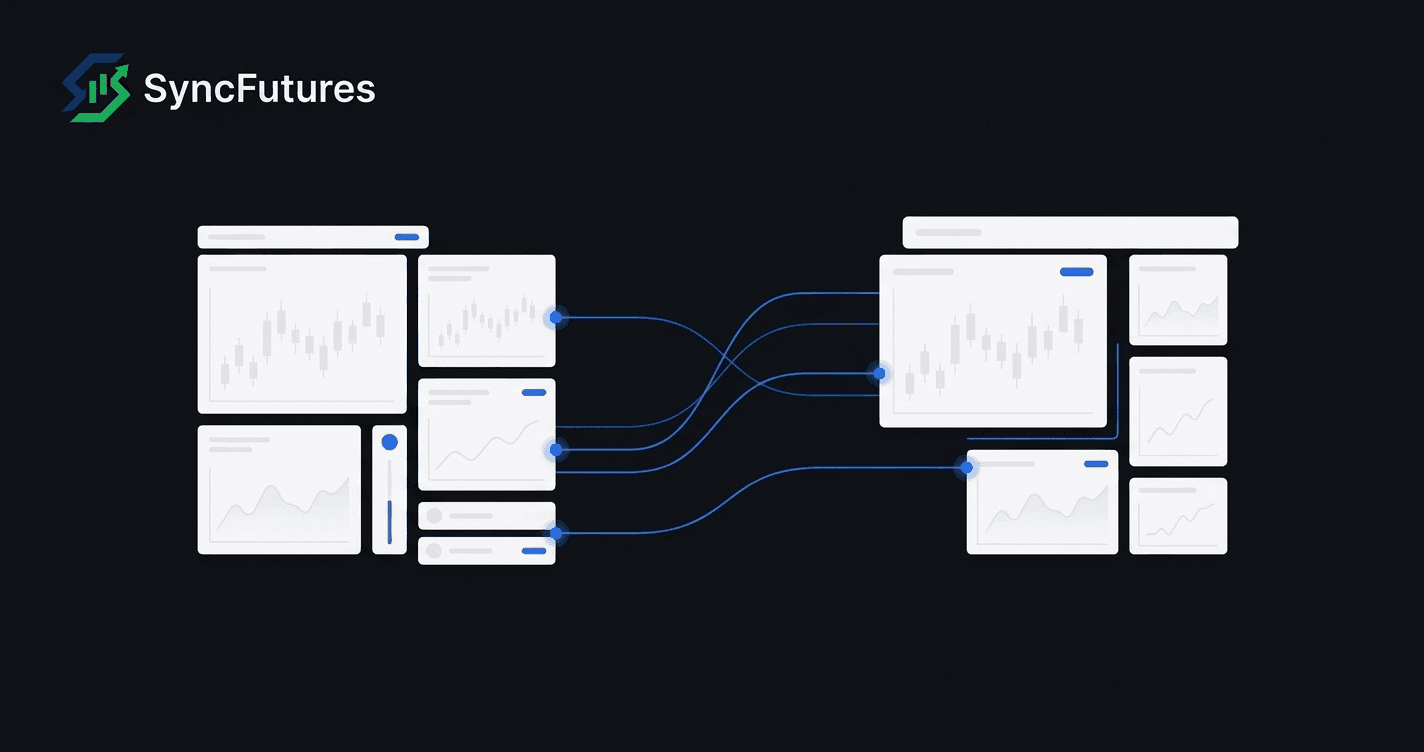
A trade copier is software that watches one trading account and, when you place an order there, places a matching order on each of your other accounts. It lets a trader running several accounts, such as a set of prop firm evaluations, put the same trades on all of them without entering each one by hand.
SyncFutures calls the account you trade the master and the accounts that receive the copies followers; its risk disclosure also uses the term slave accounts. Everything else a copier does is detail on top of one loop: see an order on the master, then send its twin to each follower.
How does a trade copier work?
SyncFutures works in two steps. It keeps a live connection to the master account so it hears about new orders as the platform reports them, and it then sends a new order through the platform's order API to every follower account the copy rule covers.
Each copied order is a separate order on the follower's own account. It does not share the master's fill, and it is sent only after the copier has seen the master's order.
That is where most differences between master and follower come from. SyncFutures' risk disclosure names network latency, broker API delays and market conditions as causes of price differences between master and followers, and a follower that was offline when the master traded never gets the order at all. The sections below take each step in turn.
How does a trade copier know the master account placed a trade?
On the two platforms documented here, a trade copier learns about the master's orders from a real-time stream that the platform pushes to connected software. The copier subscribes, and the platform then sends order, fill and account changes as they happen.
The two platforms whose API documentation is cited here describe their streams differently:
| Platform | How account updates arrive | Order and fill events |
|---|---|---|
| Tradovate (NinjaTrader connects through the same Tradovate login) | A WebSocket. Once it is authorised, the client sends user/syncrequest a single time, and changes keep arriving while the connection is open | The entity types the client lists, for example order, fill and account |
| ProjectX (TopstepX) | SignalR over WebSocket, with a user hub for account data and a separate market hub for market data | GatewayUserOrder, GatewayUserTrade, GatewayUserPosition and GatewayUserAccount events |
Two details in that documentation matter for a copier. Tradovate's stream belongs to whoever authorised it: under OAuth the socket runs on the end user's own token, so what comes back over it is that user's data. ProjectX issues its token from a username and an API key, and the token is valid for 24 hours.
SyncFutures uses these routes: the Tradovate WebSocket with user/syncrequest, the ProjectX user hub, and order and fill notifications on its Rithmic connection.
How does a trade copier place the copied order?
SyncFutures places each copy through the platform's order-entry API. The order names the follower account, the contract, buy or sell, the quantity and the order type, plus a limit or stop price where the type needs one.
On Tradovate that is the order/placeorder endpoint, which requires an action, a symbol, an integer quantity and an order type. The request also carries an isAutomated field, and the example code in that documentation says it must be true for any order not "made directly by a human". A copier's orders fall in that group, and SyncFutures sets the flag on every follower order it sends to Tradovate.
On ProjectX the endpoint is Order/place, which requires an account ID, a contract ID, an order type, a side and a size.
In SyncFutures, a follower's order takes the master order's type, side, limit price and stop price, in the same contract. A market order goes out as a market order; a working limit or stop goes out as a working limit or stop at the master's price. If the master moves or cancels a working order, the follower orders are changed or cancelled to match.
Orders for different followers are sent in parallel. When more than 15 followers sit on one broker platform (Tradovate and NinjaTrader followers count together), SyncFutures paces those orders to stay inside that platform's request limits, so the last of them leave after the first.
What are master and follower accounts in a trade copier?
The master account is the one you trade by hand, and follower accounts are the ones that receive copies of its orders. In SyncFutures a copy rule ties them together: it names one master, the followers it feeds and the contracts it copies.
A single copy rule can feed many followers, and each follower has its own quantity multiplier and can be switched off without touching the others. The contracts in a rule are exact contract months, such as ESZ5, rather than a root like ES. A trade in a contract that is not on the rule's list is not copied by that rule.
That exact match has one regular consequence. When a quarterly contract expires and you start trading the next month, a rule still pinned to the old month stops matching, and that rule copies nothing until it is updated. The quarterly futures rollover checklist covers what to change and when.
How does a trade copier size trades for accounts of different sizes?
SyncFutures sizes each follower's order by multiplying the master's quantity by a number set for that follower. A multiplier of 1 copies the same size; 2 doubles it; 0.5 halves it. This lets one master trade feed accounts of different sizes.
Both order APIs cited here take the quantity as a whole number (Tradovate's orderQty and ProjectX's size are integers), so a fractional result has to be rounded. SyncFutures rounds down, and a result that rounds to zero is skipped for that follower. Its multipliers run from 0.1 to 100.
| Master quantity | Follower multiplier | Raw result | Contracts sent to follower |
|---|---|---|---|
| 2 | 1 | 2 | 2 |
| 2 | 3 | 6 | 6 |
| 3 | 0.5 | 1.5 | 1 |
| 1 | 0.5 | 0.5 | 0 (skipped) |
| 5 | 0.3 | 1.5 | 1 |
The rounding is why a follower on a fractional multiplier can sit out some trades. A master that trades 1 contract sends nothing to a 0.5x follower, and only from a 2-lot upward does that follower take part. What size each account should run is your decision and your firm's rules.
Can a trade copier copy between different trading platforms?
Yes, when it connects to each platform separately. SyncFutures reads the master's order on one platform and places the follower's order through the other platform's own API, so the two accounts do not need to share a broker.
The platforms SyncFutures connects to are listed on the platforms and symbols page. Support for a platform does not extend to every firm or front end built on it: SyncFutures' ProjectX connection covers TopstepX accounts only, and NinjaTrader connects through Tradovate's login.
The catch in cross-platform copying is that platforms accept different order types. The type field on ProjectX's Place an Order page takes six values, among them limit, market, stop and trailing stop, and stop-limit is not one of them (its realtime documentation does list a stop-limit value among the order types it reports). Tradovate's order endpoint accepts a stop-limit. When a Tradovate master places one, SyncFutures does not send it to a TopstepX follower or swap it for a different type: that copy fails, and you get a "Trade Copy Failed" notification. Its risk disclosure states the general version: not every order type is available on every broker, which can cause a copy to fail.
Why does a follower account fill at a different price from the master?
A follower can fill at a different price because its order is a separate order, sent after the copier sees the master's, and it fills on its own account at whatever the market gives it when it arrives.
SyncFutures' risk disclosure lists the causes: network latency, broker API delays and market conditions can each produce a price difference between the master and the followers. Partial fills add to it, because fills are copied as they happen and followers can end up with different prices, quantities and timing.
The guide to slippage in futures trading explains the order-book mechanics behind this, with examples of a copied market order and a copied limit order.
What happens when a follower account's connection drops?
In SyncFutures, a follower whose connection is down when the master trades does not get the order, while the others do. The accounts are then out of sync until you fix it.
The platforms document how their connections end. Tradovate's WebSocket documentation says its server drops a client that has been silent for 15 seconds, and it explains how client software can work out whether the server closed the socket on purpose before reconnecting. ProjectX's example code re-subscribes to its events after a reconnect.
When a follower is skipped that way, and you had not disconnected that connection yourself, you get an in-app notification headed "Follower Skipped - Trade Not Copied" that names the accounts and says they are out of sync with the master. An order the platform rejects when SyncFutures places it produces a "Trade Copy Failed" notification instead. SyncFutures' risk disclosure says copying runs on its cloud backend and that closing or uninstalling the mobile app does not stop it; the cloud vs VPS explainer covers the difference between that and a copier installed on your own machine.
Whose accounts can a trade copier be used on?
SyncFutures is meant for accounts that belong to you. Its acceptable use policy permits automating your own trading, and it prohibits managing accounts you do not own or have no authority to trade, as well as running a trading service or signal provider through the platform.
Prop firms publish their own rules, and this post does not cover them. Check your firm's current rules before you connect a copier to its accounts. Our post on what a trade copier does about prop firm drawdown rules covers the other half of that question: which rules a copier tracks and which it leaves to you.
What does a trade copier not do?
SyncFutures repeats orders; it does not decide whether they are a good idea or keep an account inside its limits. Trading decisions, sizing and compliance with each firm's rules stay with the trader.
Its daily and weekly loss limits are informational goals shown in the journal dashboard. Reaching one does not close positions, block new orders or disconnect an account. What it does have is a flatten you trigger yourself, which places market orders to close open positions and cancels pending orders on your broker accounts.
Frequently asked questions
What is the difference between a master account and a follower account?
The master account is the one you trade directly, and follower accounts receive copies of its orders. In SyncFutures a copy rule links them, naming one master, its followers and the contracts to copy, and each follower in a rule has its own quantity multiplier and can be paused on its own. Followers do not share the master's fill: each copy is a separate order on its own account, so it can fill at a different price.
Does a trade copier copy stop losses and take profits?
In SyncFutures, a working stop or limit order on the master is placed on each follower as the same order type at the same price, and moved or cancelled when the master's order is. Each copy is a separate order, so a follower's stop can fill at a different price from the master's. Order types also differ by platform: ProjectX's Place an Order endpoint takes no stop-limit type, for example.
How fast is a trade copier?
SyncFutures' risk disclosure says replication speed varies with your internet connection, broker API response times and system load. Tradovate and ProjectX both push account events over a WebSocket, so the copier hears about an order without polling. SyncFutures sends follower orders in parallel and paces them only when more than 15 followers share one broker platform. Network latency and broker API delays are also why followers can fill at different prices from the master.
Do I need to keep my computer on for a trade copier to work?
Not for SyncFutures. Its risk disclosure says copying runs on its cloud backend and continues when the mobile app is closed or uninstalled. Each follower still needs a live connection to its own platform; a follower whose connection is down when the master trades is skipped.
Can a trade copier copy trades to accounts at different prop firms?
SyncFutures can place orders on any account it connects to, including accounts on different supported platforms. Whether you are allowed to is up to each firm, so check every firm's current rules first. SyncFutures' acceptable use policy limits connections to accounts you own or are authorised to trade.