

How to Trade Multiple Prop Firm Evaluations Simultaneously
Running more than one prop firm evaluation at the same time? Here's how to set up a futures trade copier to execute your strategy across multiple eval accounts from a single master — without placing each trade by hand.
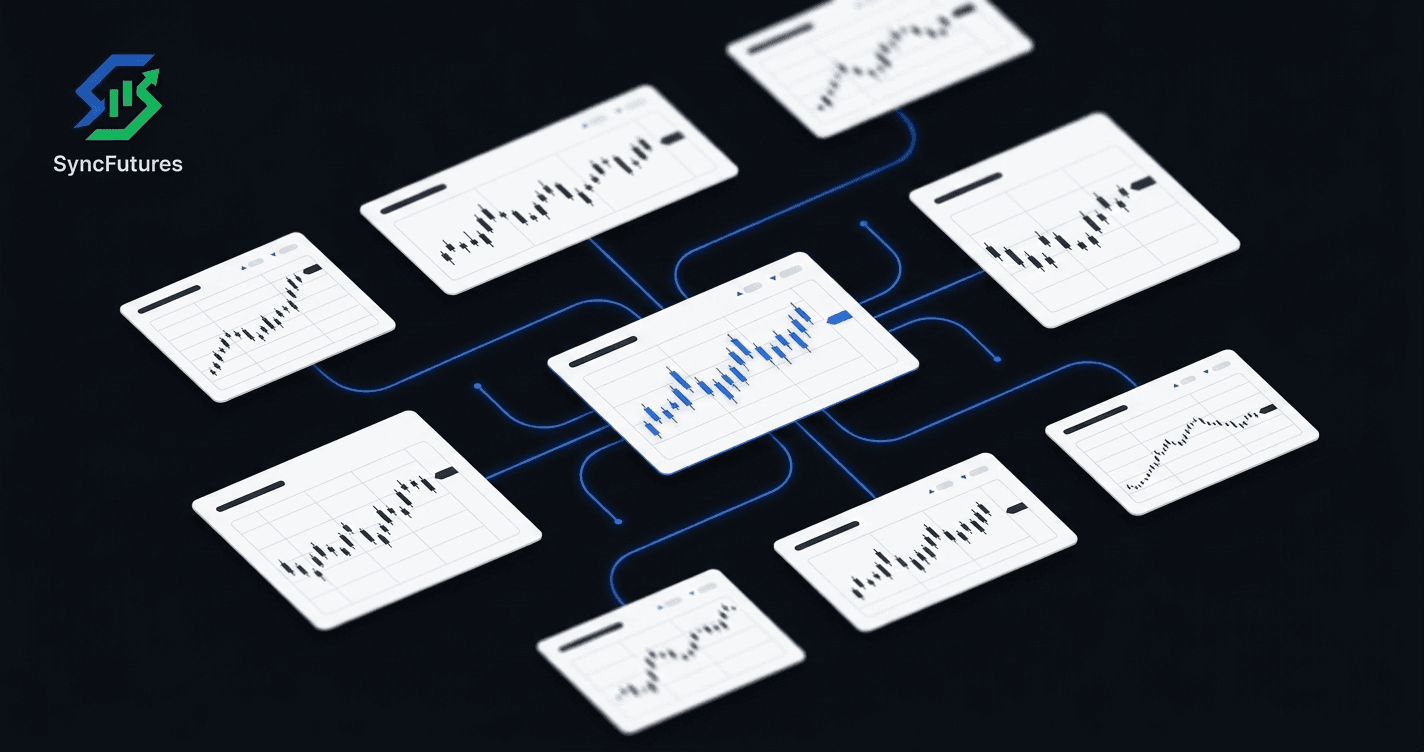
Many futures traders run more than one evaluation simultaneously. If you're going to trade a specific strategy anyway, spreading it across two or three eval windows increases your chances of passing at least one — without adding more screen time. The math makes sense.
The problem: most prop firm platforms don't talk to each other. You log into each account separately and place each trade by hand, or miss fills on the accounts you're not watching.
A futures trade copier solves this. You trade once on a master account; the copier replicates every fill across all your connected evaluation accounts in real time.
This guide covers how that works with SyncFutures, which broker setups are supported, and what to watch for during the evaluation period.
Why Traders Run Multiple Evaluations at Once
Prop firm evaluations have rules, and sometimes you miss one. A bad day on a tight drawdown window, a rollover you didn't catch in time, a rule you misread. Running two or three evaluations simultaneously gives you more windows to pass without repeating the full waiting period.
The strategy works best when you're trading the same instruments with the same rules on every account — same entry timing, same position size adjustments. A trade copier is what makes that operationally practical.
How a Futures Trade Copier Fits In
A futures trade copier designates one account as the master and the rest as followers. Every fill on the master — long or short, open or close — copies to every follower account automatically.
For evaluation accounts specifically:
- You trade once. The copier handles the same fill across every connected eval account.
- Quantity multipliers let you adjust copied size per follower. If your eval accounts are different sizes, you can scale the copied position proportionally (SyncFutures supports 0.1x–100x per rule).
- Symbol filtering copies only the specific contract you set. Each rule is pinned to one contract — a single front-month (e.g., ESZ6) — so copies stay precise.
Supported Broker Setups for Evaluation Accounts
Different prop firms run on different broker infrastructures. Here's how common evaluation platforms connect:
| Firm | Broker / Platform | Evaluation Environment |
|---|---|---|
| Apex Trader Funding | Tradovate or Rithmic (locked at purchase) | Always Demo (eval and funded) |
| Tradeify | Tradovate or Rithmic | Demo during evaluation phase |
| TopstepX | ProjectX | Check your account dashboard |
SyncFutures supports cross-broker copying, so you can run a Tradovate master and copy to Rithmic evaluation accounts — or any supported combination.
How each broker connects:
- Tradovate → OAuth2. Authorize via Tradovate's site and select the Demo environment for evaluation accounts. No username or password entry.
- Rithmic → credentials. Username, password, and your firm's Rithmic system name.
- ProjectX → API key. Username plus an API key, with your prop firm selected.
For step-by-step connection guides, see:
- How to connect a Tradovate account
- How to connect a Rithmic account
- Apex Trader Funding trade copier setup
- Tradeify trade copier setup
- TopstepX trade copier setup
Setting Up Copy Rules for Evaluation Accounts
Once your accounts are connected in SyncFutures (managed from the Accounts section), the basic setup is:
-
Choose your master account. Pick the account you'll actually trade — typically your primary evaluation or an existing funded account you're treating as a template.
-
Add a copy rule for your master and its followers. Each rule covers one master, one contract symbol, and a list of follower accounts — every follower on the rule gets its own quantity multiplier. If you're trading more than one instrument (say ES and NQ) across your evals, that's two separate rules, one per symbol.
-
Pin the rule to a specific contract symbol. Rules are tied to a specific front-month (e.g., ESZ6), not a generic instrument. This keeps copies precise — and means you'll need to update the rule at quarterly rollover.
-
Adjust multipliers for different account sizes. If one eval is a $50K account and another is a $150K account, scale accordingly. A 0.5x multiplier on the smaller account copies a 2-contract master fill as a 1-contract follower fill. Watch fractional sizing on smaller fills, though: copied quantity is rounded down to a whole contract, so a 0.5x multiplier on a 1-contract master fill rounds down to 0 — and that copy is silently skipped, no notification, since a skip isn't a broker-side failure. Sanity-check your multipliers against your typical fill size, not just the account-size ratio.
-
Confirm the correct environment is selected. Tradovate accounts show a Live/Demo selector during connection — confirm it matches your evaluation account's environment (most eval accounts are on Demo).
What to Check Before Your First Session
Rollover. Copy rules are pinned to a specific contract. At quarterly rollover — when the front month switches — the rule goes quiet if you haven't updated it. The master fills, nothing copies to the followers. Update each rule's contract to the new front-month before rollover day.
Firm compliance. Before running a trade copier across multiple evaluations, review each firm's terms for their copy trading and multi-account policies. SyncFutures does not enforce prop firm rules — it copies trades. Compliance is your responsibility. Confirm what's permitted with each firm directly.
Connection status. Check that all evaluation accounts show as connected before the session starts. A disconnected account is silently excluded from that copy — it won't receive the fill, and there's no push notification for it specifically, since the account never entered the replication attempt in the first place. (A prolonged connection drop does eventually surface as an in-app notification after a short grace period, but that's separate from copy-failure alerts and isn't a push.) The practical takeaway is the same: verify every follower shows as connected before you start trading, since a disconnected account failing silently is the risk, not a noisy one.
Using the Journal to Compare Evaluation Performance
One underused benefit of running multiple evals through a single copier: the trading journal captures fills across every connected account. Same entry signal, same timing, different account sizes — after a few weeks you'll have enough data to compare realized P&L across the accounts. If one consistently underperforms the same signal, that's worth investigating before you pass the eval and scale the account up.
The SyncFutures trading journal auto-syncs fills from every connected account. Fee enrichment (showing net rather than gross P&L) is available and varies by broker — check your dashboard to confirm it's reflected for your specific accounts.
FAQ
Can I copy trades across evaluations at different prop firms? Yes — as long as each firm's evaluation accounts connect to a supported broker (Tradovate, Rithmic, ProjectX, NinjaTrader). SyncFutures supports cross-broker copying, so a Tradovate eval at Apex and a Rithmic eval at Tradeify can both be followers to the same master.
Does SyncFutures enforce prop firm drawdown rules? No. SyncFutures doesn't auto-suspend trading, enforce loss limits, or modify positions based on account rules. The informational loss limit fields in the dashboard surface as journal goals — they show when you're near a limit, but nothing is automatic. Rule compliance is the trader's responsibility.
What happens if a copy fails during an evaluation session? If a copy attempt fails at the broker — the order was submitted but rejected or couldn't be placed — SyncFutures logs it and pushes an alert to the mobile app. The original trade on the master is unaffected — only that specific follower copy failed. Note this only covers broker-side failures: a disconnected follower account is skipped before an order is ever attempted, so that case doesn't generate this alert (see the connection status note above).
Can I run a funded account as master and evaluation accounts as followers? Yes. The master doesn't have to be an evaluation account. Many traders use an existing funded account as master and run new evaluation accounts as followers to test the same strategy on multiple firms simultaneously.
How do I handle different account sizes across evaluations? Use the quantity multiplier on each follower in the copy rule. Set it relative to the ratio of the follower account size to the master. For example, if the master is a $100K account and the follower is a $50K account, a 0.5x multiplier keeps position sizing proportional — as long as the master's fill size is at least 2 contracts. Copied quantity rounds down to a whole contract, so a 0.5x multiplier on a 1-contract master fill rounds to 0 and copies nothing, silently. Check your multiplier against your typical fill size, not just the account-size ratio.
Running multiple evaluations by hand is manageable until it isn't. A trade copier doesn't reduce the trading risk, but it removes the operational overhead — you trade once and the accounts stay in sync.